When to use it
When you need to download template to upgrade prices and stock to the Editor.
Requirements and permissions
- Session initiated at the Winerim Editor.
- Access to the module shown and the exact role depends on the account and should be confirmed with an administrator.
Steps
- Open Excel Management.
- Download the update template if you are to touch data and re-upload them.
- Save an original copy before editing.
- Edit only those rows and columns you want to update.
Expected result and readback
Result: Edit only those rows and columns you want to update.
Check: Edit only those rows and columns you want to update.
Common errors
- Amend a reference, variant, period or restaurant other than intended.
Recovery or rollback
Keep the previous value or file. If the readback doesn't match, stop new textures and restore the earlier value from the same screen only if the identity is confirmed and otherwise scale to support.
Evidence
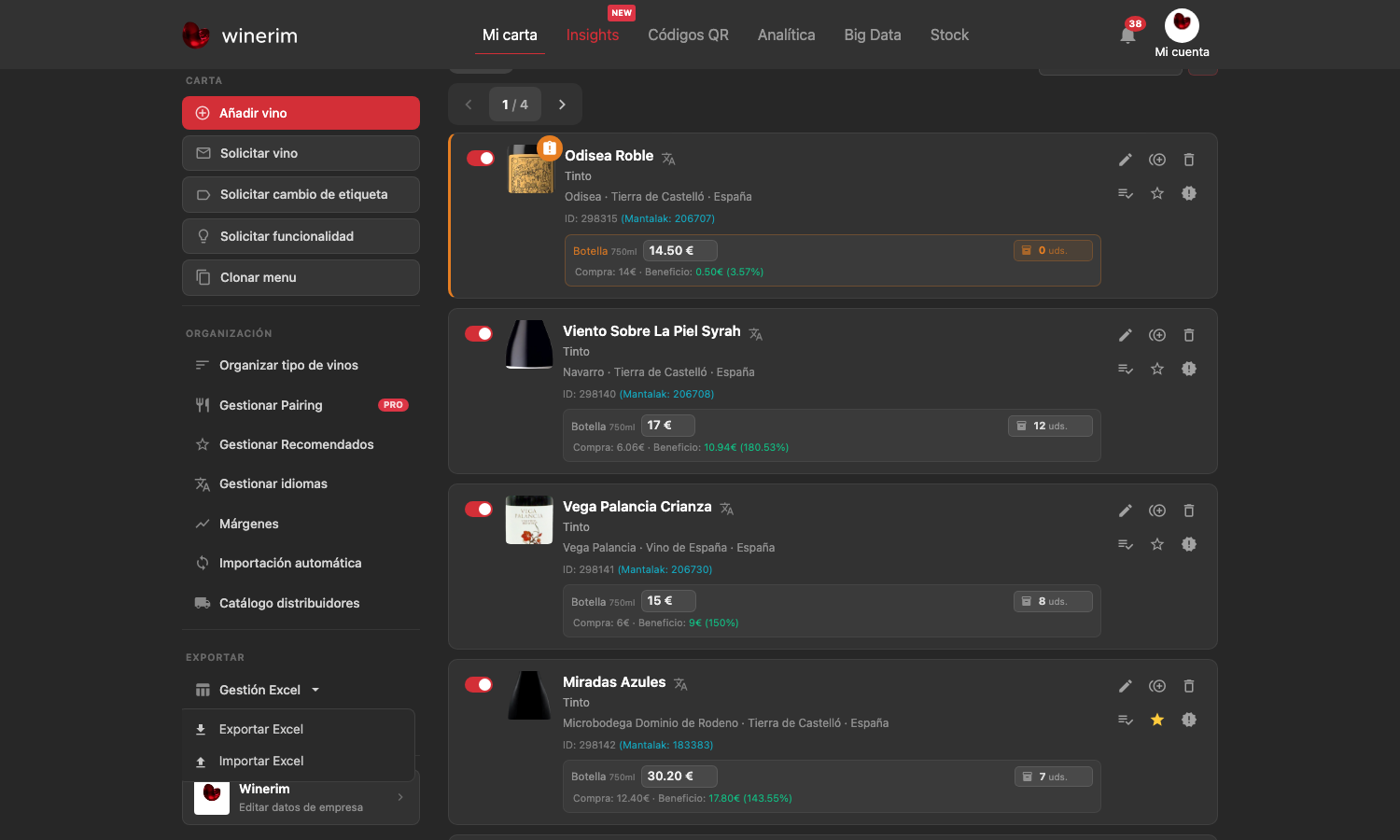
Full screenshot
Frames reviewed: 2026-09-28. Screenshots: 2026-06-15.