When to use it
When you have to set up tickets and service for rills in the Editor.
Requirements and permissions
- Session initiated at the Winerim Editor.
- Access to the module shown and the exact role depends on the account and should be confirmed with an administrator.
Steps
- Enter mean ticket, wine ticket or operational data if they appear.
- Check that there are no extreme values.
- Guarda.
- Check Ticket target and RMs after.
Expected result and readback
Result: Check Ticket target and RMs after.
Check: Check Ticket target and RMs after.
Common errors
- Amend a reference, variant, period or restaurant other than intended.
Recovery or rollback
Go back to the previous screen, clear filters or reload once. Do not repeat a write action until check if the first was applied.
Evidence
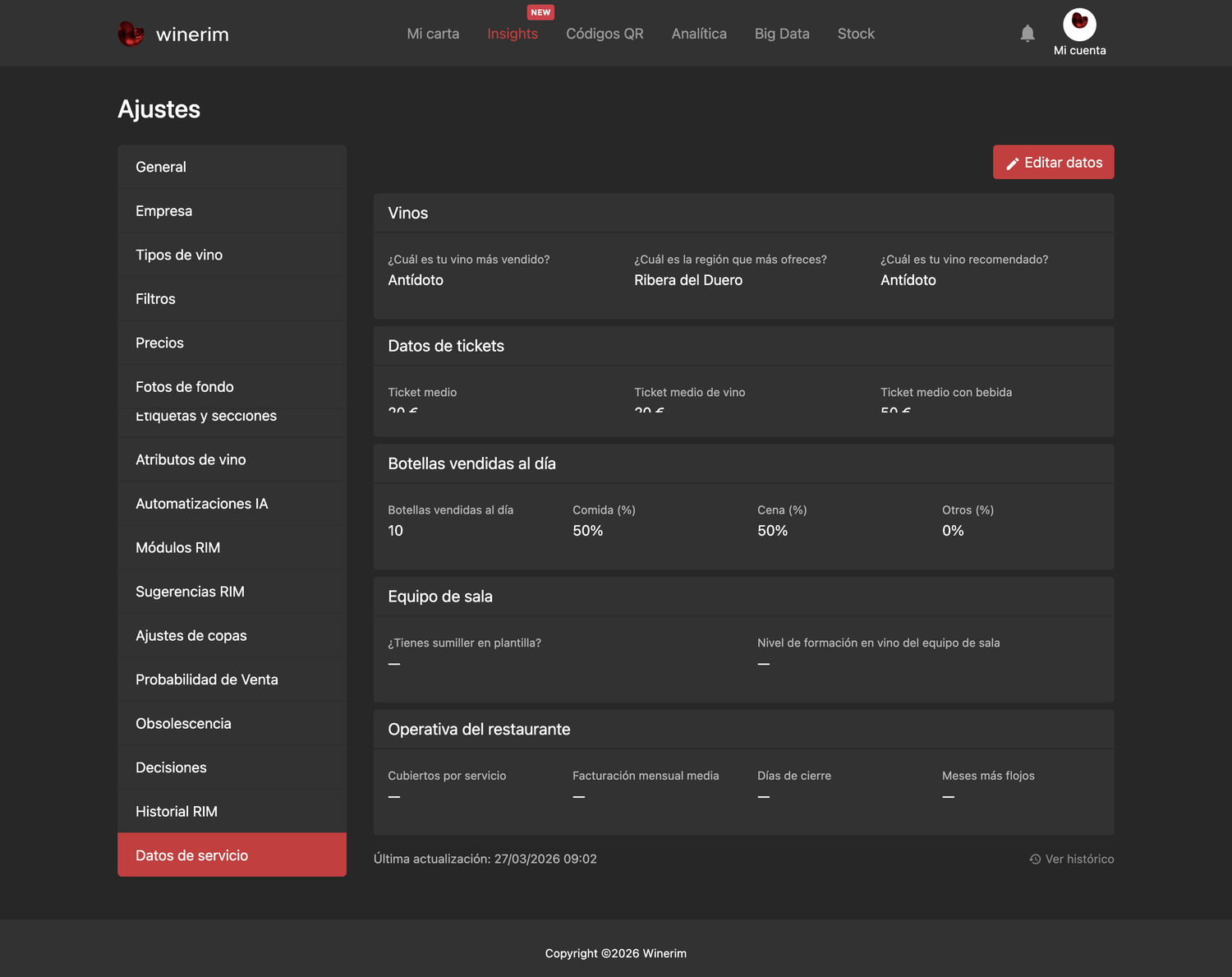
Full screenshot
Frames reviewed: 2026-09-28. Screenshots: 2026-06-15.